Tuesday, June 11, 2013

Show processing image on every submit action

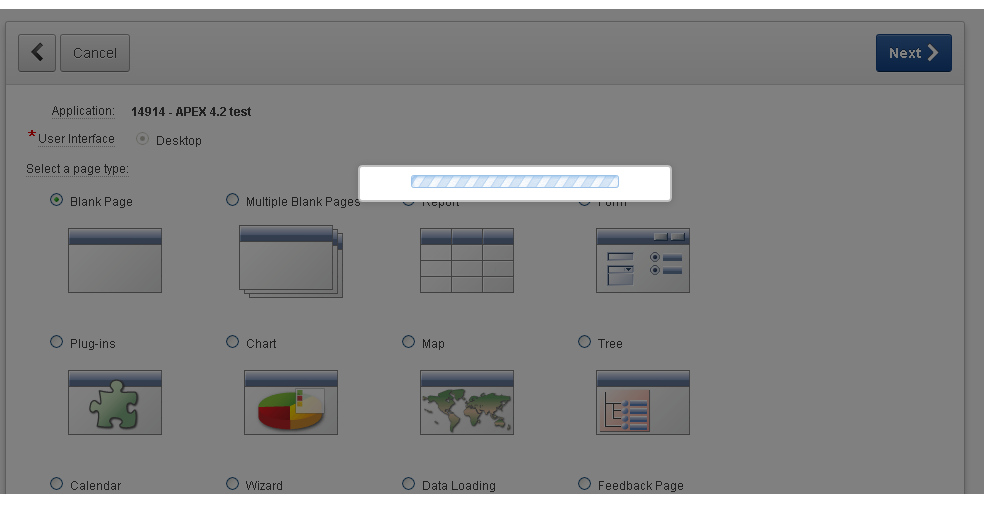
There's an easy way to show processing image on each submit action in APEX.


Just create DA on global page (page 0) that fires on event "Before Page Submit" and in Action section choose "Execute JavaScript Code". The code that you should add is:

apex.widget.waitPopup();


Tested on APEX version 4.2.2.00.11.

Wednesday, June 5, 2013

Saving Values of Disabled Items to Session State

As you may know disabled items are not submitted in HTML forms (see w3schools.com). It's same for APEX items, at least for ones disabled with dynamic actions or JavaScript/jQuery.

There's a simple workaround for this. You can create dynamic action on event Before Page Submit that executes JavaScript code that will remove HTML attribute disabled from all items on page:

$(':disabled').removeAttr('disabled');

If you want this to work on all pages, put this dynamic action on global page (page 0).

As I said, this will not work for text field items that have property Disabled set to Yes and Save Session State to No. To save this kind of text field items set property Save Session State to Yes. In this case input item will have HTML attribute readonly, instead of disabled.


Wednesday, May 8, 2013

Handling iframe call inside JS

There's an easy way to figure if your page is called inside iframe (e.g. using SkillBuilders Modal Page Plugin).
You can use simple JS snippet and put it inside Function and Global Variable Declaration of page properties:


After that you can use iFrameCall JS variable inside your page JS code, for example in dynamic actions for hiding some page elements (e.g. footer and header elements).

So, create dynamic action that fires on event Page Load and use your JS variable for condition:


The code of Execute JavaScript Code for hiding footer and header can look like this (if you have header and footer HTML tags in your template):

$('header').css('display', 'none');
$('footer').css('display', 'none');

Monday, February 18, 2013

APEX debug levels

From time to time I run into some new stuff about APEX. So few days ago I was investigating something about debug messages and figured it out that there are different levels of debug messages in APEX.

You probably know that as a sixth argument in APEX URL you can pass either YES or NO and that will turn on/off page debugging (if it's enabled in application properties). So the thing I discovered is that you can also pass LEVELn where n is between 1 and 9 and stands for level of debug detail to display. The value of YES is equal to LEVEL4.

If you take a look at apex_debug package specification you can see meaning of each level (although missing levels 3 and 7):

-- critical error
c_log_level_error        constant t_log_level := 1; 

-- less critical error
c_log_level_warn         constant t_log_level := 2; 

-- default level if debugging is enabled (e.g. used by apex_application.debug)
c_log_level_info         constant t_log_level := 4; 

-- application: messages when procedures/functions are entered
c_log_level_app_enter    constant t_log_level := 5; 

-- application: other messages within procedures/functions
c_log_level_app_trace    constant t_log_level := 6; 

-- apex engine: messages when procedures/functions are entered
c_log_level_engine_enter constant t_log_level := 8; 

-- apex engine: other messages within procedures/functions
c_log_level_engine_trace constant t_log_level := 9; 

You can set this level when adding debug messages manually using apex_debug.message procedure.

Monday, February 11, 2013

Closing Modal Page on button click

If you are using SkillBuilders Modal Page Plugin (version 2.0.0 that uses ColorBox) and want to close it dynamically on button click there is an easy way of doing this using the page button template (instead of creating DA on each modal page ).

Create a copy of your button template and add to it a CSS class, for example closeModal:


After that add JS that closes modal page (to the page template or JS file):


The final step is to change your button template to the newly created one. Also, check that your button Action property is defined as "Defined by Dynamic Action".

I've also created a plugin for this, so if somebody needs it, send me an email. But I think that using the above described approach is more convenient.


Thursday, December 6, 2012

Force browser to prompt to save password


Today I've got one interesting question from my co-worker that I've never think of (because I always have this option turned off in my browser). How to force browser running APEX application to prompt to save password on login page? With a little googling about HTML from elements in a few seconds I've got answer. It's pretty simple. The only thing you have to do is to set page property "Form Auto Complete" (under Security region of page properties) of login page to "On".


If you have turned on right properties in your browser it should work as a charm (even in IE).

There are some security issues regarding turning this option on, but this is not topic of this post.
Personally, I don’t use this option and probably never will. :)

Thursday, November 22, 2012

Condition Type – Request Is Contained within Expression


I've just remembered the issue that I've had few months ago with unexpected (at least for me) behavior of condition type Request Is Contained within Expression. A real headache to debug and figure out.

At first glance, when I saw this condition type, I’ve expected that requests must be in Expression 1, comma delimited, and that there must be an exact match on condition evaluation. But that’s not the case.

For example, if you have three buttons with requests CREATE, CREATE_ANOTHER and CREATE_AND_RETURN, and process condition with condition type Request Is Contained within Expression where Expression 1 equals CREATE_ANOTHER,CREATE_AND_RETURN:


the process will be executed no matter which button you press, even the one with request CREATE, because condition is evaluated as true when request string is contained within Expression 1 (without exact match).

So to avoid such behavior I always use condition type PL/SQL Expression with condition “:REQUEST in (...)”, for example: